Long URL vs Short URL
Short Links, Simplified.
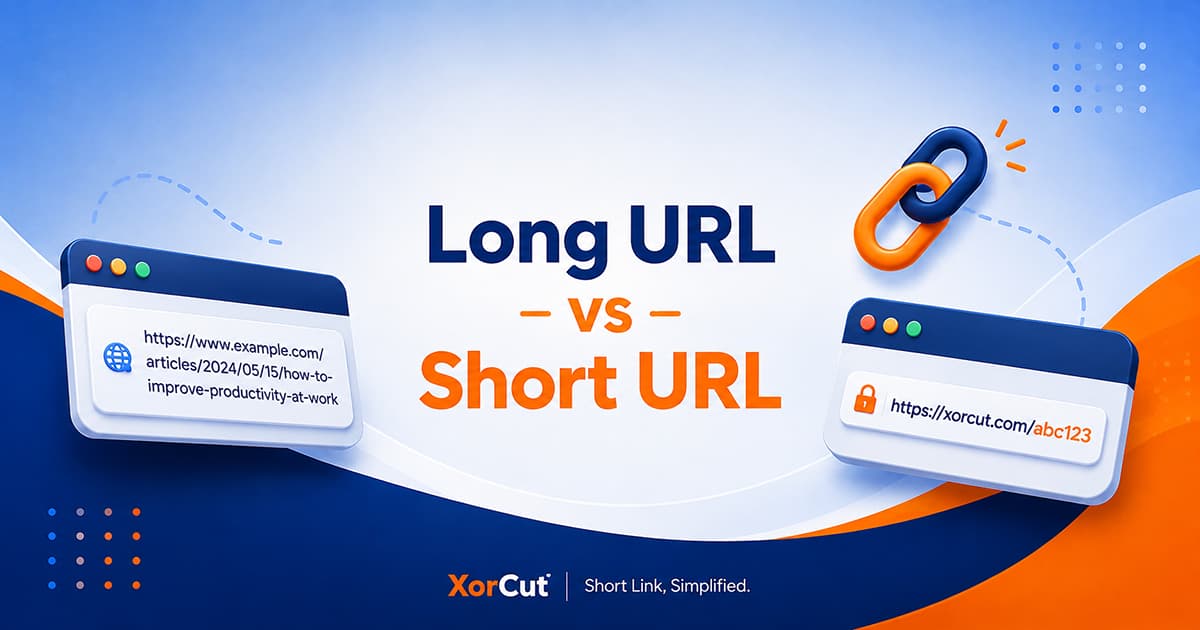
Learn the difference between a long url vs short url and see how shorter links can make sharing, managing, and tracking URLs easier.
You have probably seen both long and short URLs while browsing the internet. Sometimes a link is short and easy to read, while other times it stretches across the screen with a confusing mix of words, numbers, and symbols.
Both types of URLs can take you to the same webpage. So what is actually different about them?
In this guide, we will compare long and short URLs, look at how they work, and explain when a shortened link can be more convenient.
What Is a Long URL?
A long URL is simply a web address that contains a lot of characters. The extra length can come from the page structure, descriptive text, numbers, or URL parameters.
For example, a URL might look like this:
There is nothing wrong with a long URL. It can work normally and take visitors directly to the intended webpage.
The main issue is convenience. A long address can be harder to read, copy, remember, or share.
What Is a Short URL?
A short URL is a compact web address created by a URL shortening service. Instead of showing the entire original URL, the short link uses a shorter address that redirects visitors to the original webpage.
For example:
Short URL
The two links can lead to the same destination. The short URL simply gives you a more compact way to share it.
Long URL vs Short URL: What's the Difference?
The biggest difference is the way the link is presented and managed.
Long URLs display the original web address in full. They can provide useful information about the page structure, but they can also become difficult to handle when they contain many characters.
Short URLs replace the long address with a compact link that redirects visitors to the original destination. This makes the link easier to share and can provide additional management and tracking features through the shortening service.
Simple way to think about it: A long URL shows the full address, while a short URL gives you a compact link that points to that address.
Why Do URLs Become So Long?
Not every long URL is complicated by design. Some simply contain more information because of how a website is organized.
A URL can become longer because it includes:
- Long page names
- Categories and folders
- Search parameters
- Tracking parameters
- Product or article information
- Other URL parameters
For example, a link used for tracking a campaign might contain additional parameters that make the address much longer than the basic webpage URL.
These extra characters can be useful to a website or campaign, but they are not always convenient when the URL needs to be shared with other people.
Why Are Short URLs Easier to Share?
Imagine sending someone a URL that takes up two or three lines in a message. It works, but it does not exactly look easy to handle.
A short URL takes up less space and is easier to copy or type. That can make a noticeable difference when sharing links through:
- Social media
- Emails
- Text messages
- Online communities
- Websites
- Presentations
- Printed materials
Instead of asking someone to deal with a long string of characters, you can give them a simple link.
Short URLs Can Be Easier to Remember
A long URL can be difficult to remember, especially when it contains several folders, numbers, or parameters.
A short URL can be even more useful when it has a custom alias.
For example, an automatically generated link might look like:
With an available custom alias, you could create something more recognizable:
A meaningful alias can make the purpose of a link easier to recognize before someone clicks it.
Note: Custom alias editing is available with upgraded XorCut plans. Available features and usage limits depend on the selected plan.
Short URLs Can Help With Link Management
If you only share a few links, managing URLs is probably not something you think about very often.
But if you regularly publish articles, share resources, or work with different campaigns, you can quickly end up with a long list of URLs.
A URL shortening platform can make those links easier to organize and manage.
With XorCut, members can manage their created links from their account, making it easier to keep track of the short URLs they have created.
Can Short URLs Track Clicks?
They can, depending on the URL shortening service and the features available with the link or account.
XorCut provides statistics for links with available analytics features. These statistics can help you see how your short links are being accessed.
Available statistics can include:
- Total clicks
- Countries where visitors accessed the link
- Link activity information
This can be useful if you want to understand how a link performs after you share it.
Which URL Is Better?
There is no single answer because long and short URLs serve different purposes.
A long URL is perfectly fine when you need to show the original webpage address or when the link is already short enough to share comfortably.
A short URL is usually more convenient when the original address is long, difficult to remember, or contains information that makes the link look cluttered.
The best choice depends on what you are doing with the link.
When Should You Use a Long URL?
You do not need to shorten every URL you come across.
A long URL can be a good choice when:
- The URL is already reasonably short
- You want users to see the complete destination
- You are using normal website navigation
- You do not need link tracking
- The original address is easy to read and share
For example, if your webpage has a simple address such as example.com/about, there may be little reason to shorten it.
When Should You Use a Short URL?
A short URL becomes more useful when the original address is long or inconvenient to share.
Consider using a short URL when:
- The original URL is very long
- You share links on social media
- You send URLs through messages or email
- You need a recognizable custom alias
- You want to manage multiple links
- You want available link statistics
- You use QR codes
- You share links through printed materials
Are Short URLs Safe?
A short URL is not automatically safer or less safe than a long URL. What matters is where the link leads and which service created the shortened URL.
One thing to remember is that a short URL does not immediately reveal the complete destination. Because of this, users should be cautious with unfamiliar links.
When creating or sharing short URLs, it is a good idea to:
- Use a reputable URL shortening service
- Avoid shortening suspicious webpages
- Avoid misleading custom aliases
- Check unfamiliar links before opening them
- Keep your account secure
Tip: A short link should make sharing easier, not hide a destination in a misleading way. Use recognizable links and share them responsibly.
Long URL vs Short URL for Social Media
Social media is one of the most common places where short URLs can be useful.
A long address can make a post look crowded, especially when the URL contains many characters.
A short link takes up less space and lets the main message stand out.
This can be particularly helpful when sharing:
- Blog posts
- Product pages
- Guides
- Videos
- Online resources
- Campaign pages
The goal is not simply to make a URL shorter. It is to make the entire message easier for someone to read and understand.
Long URL vs Short URL for QR Codes
Short URLs can also be useful when connecting physical materials to online content.
A QR code can send someone to a webpage without requiring them to type the address manually. A short URL can serve as the destination behind that QR code.
This can be useful for:
- Posters
- Flyers
- Business cards
- Event materials
- Printed guides
XorCut short links include QR code access from the link's statistics page.
Why Use XorCut for Short URLs?
If you regularly work with long links, XorCut provides a straightforward way to turn them into shorter URLs.
Clean Short Links
Turn long web addresses into compact links that are easier to share.
Custom Aliases
Users on upgraded plans can customize the alias of their short URL when the requested alias is available.
Link Statistics
Available analytics features provide information about link activity and visitor locations.
QR Code Access
Access QR codes from the statistics page of your short links.
Link Management
Members can manage their created links from their XorCut account.
Frequently Asked Questions
What is the difference between a long URL and a short URL?
A long URL displays the full web address, while a short URL uses a compact link that redirects visitors to the original destination.
Is a short URL better than a long URL?
It depends on how you plan to use the link. Short URLs are often more convenient for sharing, while a long URL may be perfectly suitable when the address is already simple and readable.
Can I customize a XorCut short URL?
Yes. Users on upgraded XorCut plans can edit the alias of their short URL to create a more recognizable link. Available features and limits depend on the selected plan.
Can short URLs track clicks?
Some URL shortening services provide click tracking. XorCut provides statistics for links with available analytics features.
Are long URLs bad?
No. A long URL can work perfectly well. The main issue is that a very long address can be less convenient to read, remember, and share.
Can I use short URLs on social media?
Yes. Short URLs can be shared on social media, websites, emails, messages, and other platforms that support links.
Can I create a QR code for a XorCut short URL?
Yes. XorCut short links include QR code access from the link's statistics page.
Conclusion
So, what is the real difference between a long URL and a short URL?
A long URL shows the original web address in full, while a short URL gives you a more compact way to reach that same destination.
Long URLs are not necessarily a problem. But when a link is difficult to read, remember, or share, shortening it can make things much easier.
With XorCut, you can turn long URLs into clean short links and use available features such as custom aliases, link statistics, QR codes, and link management depending on your account and link features.
In simple terms, long URLs show the full address, while short URLs make that address easier to share.